

PDF to PSD Converter by FDM AI
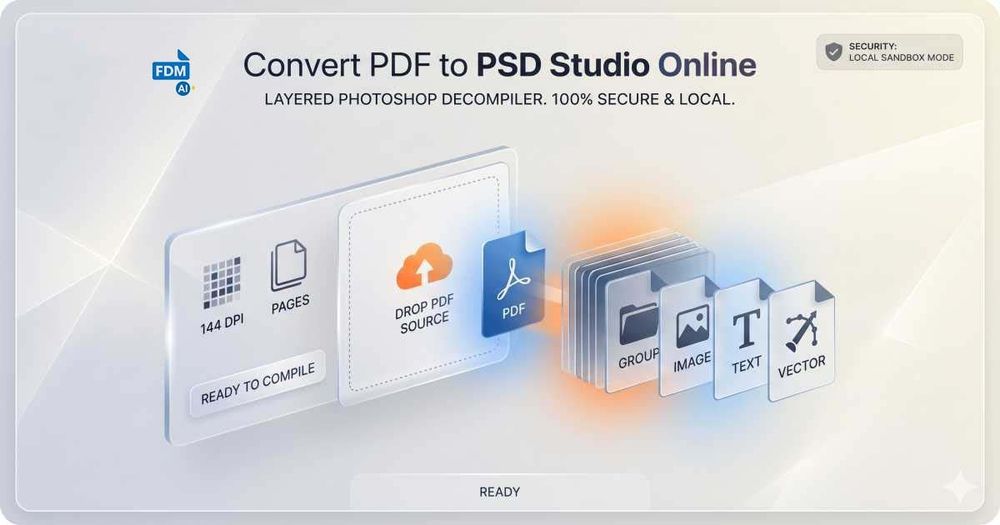
Convert PDF documents into fully layered, editable Photoshop (PSD) files directly in your browser. This client-side tool processes files locally, ensuring your data never leaves your device.
Key Features
- Layered Output: Each PDF page becomes a separate layer group in Photoshop.
- Resolution Options: Choose 72 DPI (web), 144 DPI (Retina), or 300 DPI (print).
- Page Range Selection: Convert specific pages using comma-separated values or ranges.
- Layer Modes: Preserve pages as layer groups or flatten into a single background.
- 100% Secure: All processing happens in-browser; no files are uploaded to servers.
- No Watermarks: Downloaded PSD files are clean and unrestricted.
- Free & No Registration: Use without signing up or paying.
Use Cases
- Graphic designers needing to edit PDF layouts in Photoshop.
- Converting multi-page PDFs (e.g., brochures, magazines) into editable layers.
- Extracting high-resolution images from PDFs for print projects.
- Quick prototyping by converting wireframes from PDF to PSD.


