

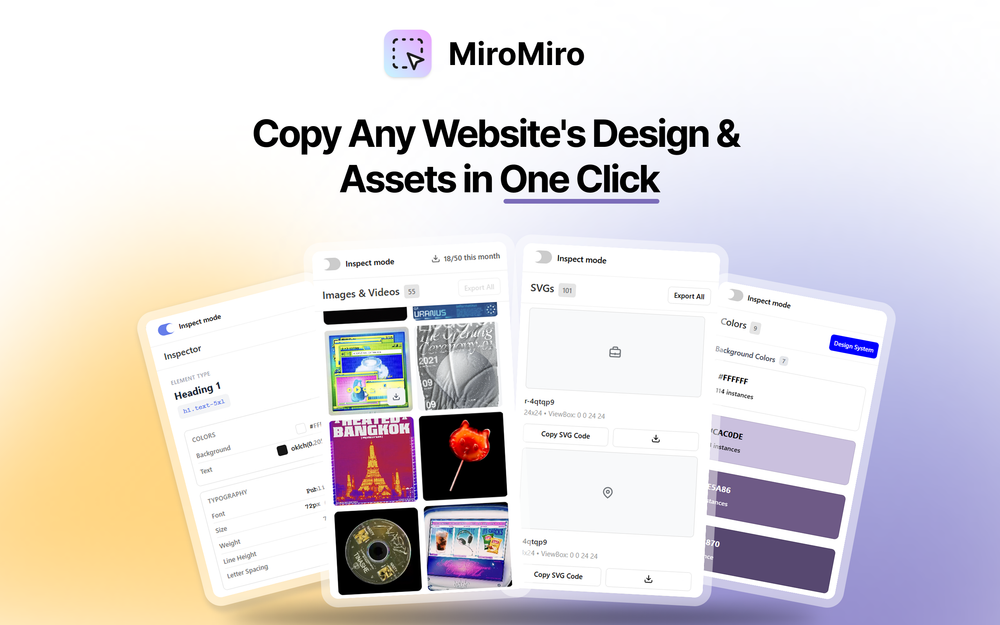
MiroMiro is a powerful Chrome extension designed for designers and developers who need to quickly analyze and extract design assets from websites. It eliminates the need for manual DevTools inspection by providing a streamlined interface for capturing design systems, colors, typography, spacing, and media assets.
Key Features
- Surgical Inspector Mode: Point and hover to reveal style breakdowns, colors, typography, and spacing without opening DevTools
- Asset Extraction: Instantly isolate and download SVGs, PNGs, background images, and videos from the DOM
- Design System Export: Extract complete color palettes and export them as ready-to-use design tokens in Tailwind or CSS format
- Lottie Animation Export: One-click export of Lottie animations as JSON files without touching network tabs
- Accessibility Tools: WCAG 2.0 contrast analysis to detect accessibility issues on entire pages or individual components
- Personal Library: Save colors, icons, and assets to build a personal design library for future reference
Use Cases
- UI/UX Designers: Quickly analyze competitor websites and extract design patterns
- Frontend Developers: Copy CSS styles and extract assets for faster development workflows
- No-Code Builders: Reverse-engineer landing pages and rebuild UIs efficiently
- Agency Teams: Maintain consistent design systems across multiple client projects
- Freelancers: Save time on manual asset extraction and focus on creative work


