

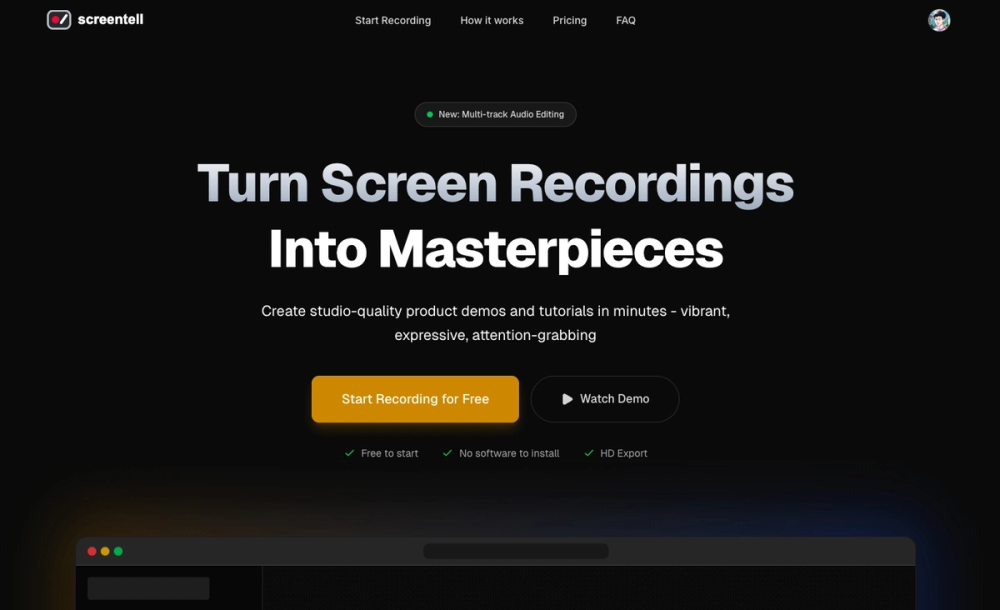
Screentell is a powerful web-based screen recording and video editing tool designed for creators, educators, and professionals who need to produce high-quality product demos and tutorials. It runs entirely in modern browsers without requiring any software installation, processing all video data locally for enhanced privacy.
Key Features
- Focus Zoom: One-click zoom keyframes with adjustable center points and smooth cinematic camera movements
- Cinematic 3D Effects: Transform flat recordings with 3D rotations and transitions using intuitive joystick controls
- Multi-track Editing: Record screen and camera as separate layers, allowing post-recording adjustments to camera position and visibility
- Rich Stickers & Annotations: Add hand-drawn style shapes, arrows, circles, highlights, and custom image overlays
- Screen Cropping: Remove unwanted screen elements like browser tabs, taskbars, or sensitive information
- Beautiful Layouts: Apply professional gradients, wallpapers, padding, and shadows for polished presentations
- High-Quality Recording: Simultaneous screen and camera capture with high-fidelity system sound and microphone audio
Target Users
- Content Creators producing tutorials for YouTube or social media
- Product Teams creating software demos and feature walkthroughs
- Educators developing online courses and instructional materials
- Marketing Professionals crafting engaging product showcases
- Remote Teams creating asynchronous communication videos
Unique Selling Points
- No Installation Required: Runs entirely in Chrome, Edge, or Brave browsers
- Privacy-First Approach: All processing happens locally; recordings never leave your device unless you choose to share them
- Professional Results in Minutes: From recording to export with studio-quality effects
- Free Tier Available: Unlimited recordings with HD export (watermarked, up to 3 minutes)
- Pro Plan: $3.99/month removes watermark, enables unlimited export length, and provides higher resolution exports


