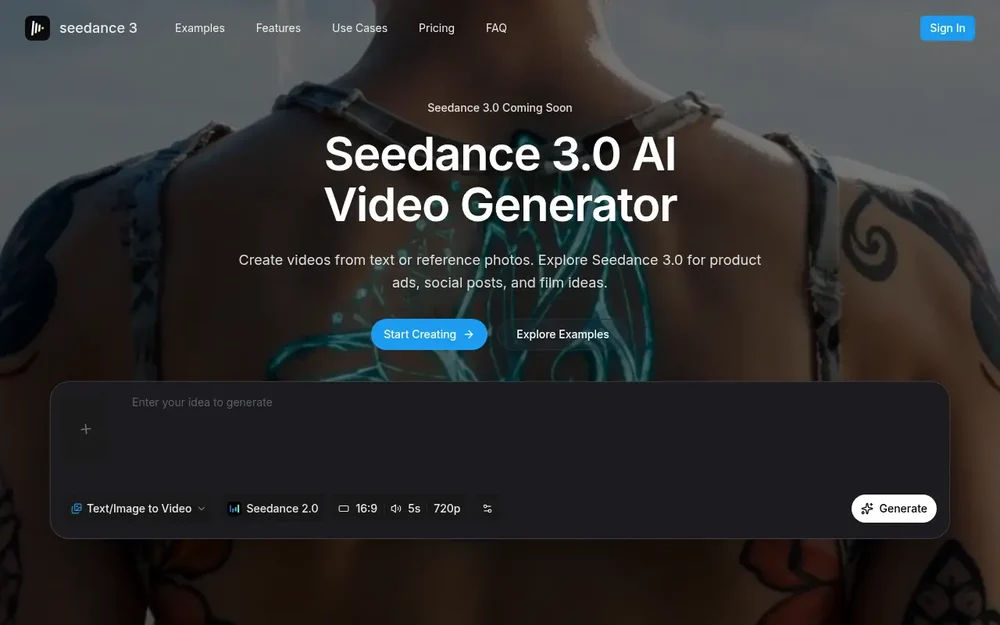
Seedance 3.0 AI video generation
Seedance 3.0 is presented as an AI video generator for turning written scene ideas or reference photos into short video clips. The site highlights product demonstrations, brand commercials, social posts, science-fiction scenes, animated stories, fashion transitions, and lifestyle videos as possible starting points. A prompt can describe the subject, its action, the setting, and how the camera should move; an image-based workflow starts with a visual reference and instructions for what should happen in the scene. The result is a generated clip to preview and, if suitable, download.
There is an important availability detail: the homepage labels Seedance 3.0 as “Coming Soon,” while the visible generator interface names Seedance 2.0. The site also notes that its example footage uses earlier models. Check the generator’s current model list and supported inputs before planning a project around Seedance 3.0 specifically. The workflows below describe the site’s presented text-and-image video creation process, not a guarantee that every option is available for every model.
Build a scene from a text prompt
For text-to-video, describe what viewers should see rather than relying on a collection of style terms. The site suggests stating the subject, action, and camera position. For example, a cyclist crossing a wet street gives a prompt a visible action and setting to work from. For a more involved idea, prepare a short shot list and give each shot one main action; review the generated result before adding further direction.
Camera movement and subject movement can be described separately. A person might remain still while the camera moves closer, for instance. If the framing or action does not match the intended scene, revise one movement instruction at a time and assess the change. This keeps prompt adjustments focused and makes it easier to see which direction may have affected the result. The aim is a readable scene brief, not simply a longer prompt: several competing instructions can make the intended action less clear.
Use reference images and plan continuity
The image-to-video workflow begins with a visual reference, such as a product photo or portrait, and a description of what should move. A small subject movement paired with a slow camera move is one approach suggested on the page. Choose a clear reference and inspect the generated clip to see whether important identifying details remain recognizable. Available image inputs and controls depend on the model selected, so check those options in the generator first.
For related shots, the site recommends reusing reference images and appearance notes, then reviewing faces, clothing, lighting, and screen direction across clips. These checks matter when separate generated scenes are intended to sit beside one another in a story or edit. Saving prompts that work can also help when comparing adjacent shots. This is a planning and review workflow rather than a promise of automatic continuity: inspect the outputs and decide which clips are consistent enough to use together.
Ideas for product, social, and film projects
Product and ecommerce videos can focus on showing an item in use or revealing its shape with a camera move. Decide what viewers should notice first, leave room for any campaign copy added later, and check labels and proportions in the generated clip before using it in a listing. The examples also point to brand commercials, where lighting and close-ups can help establish a distinct mood. Treat these as creative directions to explore, not as guaranteed results.
For social content, the page suggests short ideas such as an outfit change or an unexpected everyday moment. Keep the main subject easy to read on a phone, preview the opening without sound, and add captions or branding during a final edit if needed. For short films and preproduction, a generated visual draft can help explore staging: describe where a subject stands and when the camera moves, then compare the output with the script. It can serve as material to discuss with a collaborator, rather than a substitute for checking the scene against the project’s needs.
A practical generation workflow
Start by writing the visible action and deciding whether text alone is enough or a reference image would help. In the generator, choose an available model and input mode, then review its settings and the displayed credit estimate. Duration and resolution can vary by model, according to the site, so confirm the options shown for the selected model instead of assuming a particular output format. Generate the clip, check its task status, and preview the completed result. If it misses the intended action, adjust the prompt and try another version; download a result you want to keep.
A focused first attempt can make review easier: give the scene one clear action, specify camera direction separately, and add only the details that help communicate the shot. For an image-led clip, check whether the subject remains recognizable. For connected scenes, compare appearance and framing before treating the clips as a sequence. These are suggested ways to organize the work; the exact controls and output choices depend on the model currently offered.
Availability and project considerations
Seedance 3.0 is the named subject of the homepage, but the “Coming Soon” notice and the generator’s Seedance 2.0 label mean that availability should be verified directly. The page describes model selection, text and image input workflows, adjustable output options, generation status, previewing, and downloads. It does not establish that all these choices are identical across models. Check the current interface for supported inputs, output settings, and the cost shown before submitting a task.
The site states that videos created on a paid plan include commercial usage rights, and that users must have permission to use uploaded images or other source material. If commercial use matters, review the applicable plan and terms before relying on those rights. Seedance 3.0 is most relevant to someone exploring prompt-led or reference-image video drafts for advertising, social posts, or scene planning, while the specific model and controls available at the time of use remain an important part of deciding whether it fits.