

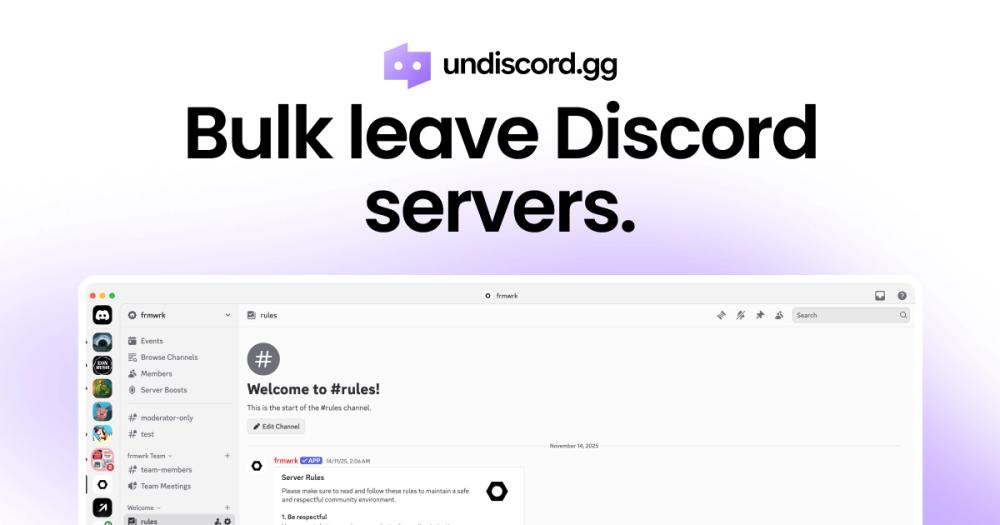
Undiscord is a privacy-focused browser extension designed to help Discord users efficiently manage their server memberships. It addresses a common pain point for active Discord users who accumulate numerous servers over time, making it difficult to maintain an organized sidebar.
Key Features
- Bulk Server Management: View all Discord servers in one interface and select multiple servers to leave simultaneously
- Privacy-First Approach: No tracking, no login required, and no data collection
- Safety Controls: Lock servers to prevent accidental removal and preview selections before leaving
- Cross-Browser Support: Available as extensions for Chrome, Edge, and Firefox
- Free Forever: Completely free with no hidden costs or subscriptions
How It Works
- Install the Undiscord browser extension
- Open Discord in your browser
- Use the extension to load all your servers
- Select servers you want to leave (with locking/preview options)
- Bulk leave selected servers with one click
Target Users
- Discord power users with cluttered server sidebars
- Users looking to declutter their Discord experience
- Privacy-conscious individuals who want to manage servers without data collection
- Anyone who has joined many servers over time and wants to clean up
Unique Selling Points
- Zero Data Collection: Unlike many Discord tools, Undiscord explicitly states it doesn't collect user data
- No Account Required: Works immediately after installation without sign-up
- Browser-Based: Works with Discord's web interface, no desktop app required
- Trust Indicators: Shows 800,000+ users and 4.7-star rating in Chrome Web Store


