

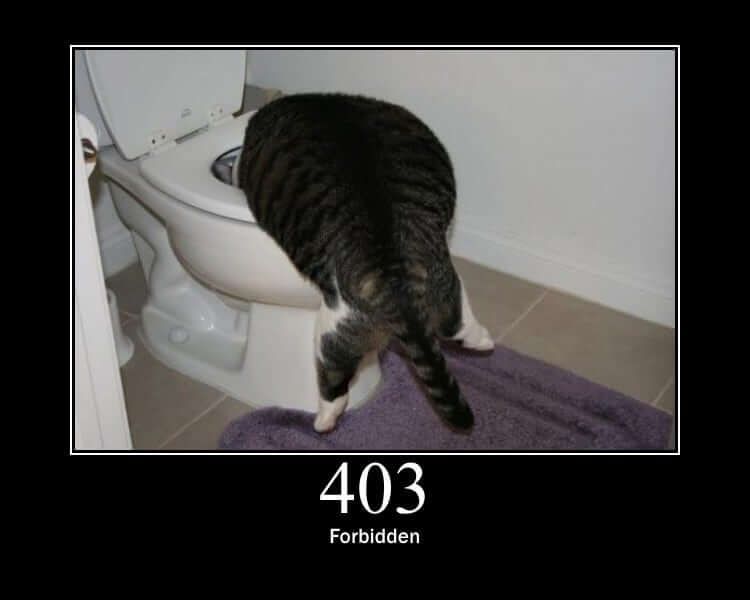
403 Forbidden Error
Overview
The 403 Forbidden error is an HTTP status code that indicates the server understood the request but refuses to authorize it. This is different from a 401 Unauthorized error, which requires authentication. A 403 error means the server is refusing to fulfill the request, even if the client is authenticated.
Key Features
- Standard HTTP Response: Part of the HTTP/1.1 specification (RFC 7231)
- Server-Side Enforcement: Controlled entirely by server configuration
- Clear Status Code: Returns HTTP status code 403
- Configurable Responses: Can be customized with different error pages or messages
Common Causes
- Insufficient Permissions: The authenticated user doesn't have the necessary access rights
- IP Address Restrictions: The server is configured to block requests from certain IP addresses
- Directory Listing Disabled: Attempting to access a directory without proper index files
- File Permission Issues: Server file system permissions prevent access
- Firewall Rules: Network or application firewall blocking the request
- Geographic Restrictions: Content blocked based on geographic location
Technical Implementation
- Web Servers: Apache, Nginx, IIS, and other web servers can be configured to return 403 errors
- Configuration Files: Typically controlled through .htaccess (Apache) or server configuration files
- Custom Error Pages: Can be configured to show branded or informative error pages
- Security Headers: Often accompanied by security-related HTTP headers
Use Cases
- Access Control: Restricting access to sensitive files or directories
- Content Protection: Preventing unauthorized access to premium or restricted content
- Security Measures: Blocking malicious bots or suspicious IP addresses
- Compliance: Enforcing data protection regulations by restricting access
- Resource Management: Controlling access to server resources based on user roles
Resolution Methods
- Check Permissions: Verify file and directory permissions on the server
- Review Configuration: Check server configuration files for access rules
- Clear Browser Cache: Sometimes cached credentials can cause permission issues
- Contact Administrator: For resources you believe you should have access to
- Check URL: Ensure the requested URL is correct and properly formatted
Best Practices
- Clear Error Messages: Provide helpful information without revealing sensitive details
- Logging: Log 403 errors for security monitoring and troubleshooting
- User Guidance: Offer suggestions for resolving the issue when appropriate
- Security: Use 403 errors as part of a comprehensive security strategy


