Check authority, research keywords, and explore topical relevance.
Domain authority, backlinks, and traffic.
Loading your workspace…
Your research, in focus
See the signal. Choose your next move.
A domain, a search query, a single page: each gives you a different view of an opportunity. DomainRank brings online SEO tools into one workspace so you can follow a question from the first check to the evidence behind it. Explore the previews, then open the tool that fits your task.
Illustrative preview
example.com
72Domain Rating
Backlinks2.4K
Referring domains186
Domain Rating checker
Know where your domain stands.
Use our SEO tools to get a first view of a website’s backlink strength alongside available traffic estimates. Compare referring domains and backlinks in the same report, whether you are reviewing your own site, researching a competitor, or deciding which publishing partner deserves a closer look.
For a partnership shortlist, SEO tools help you compare link profiles before you review each publisher. Check the website’s audience and actual content as well as its DR: a strong link profile alone does not establish that the site reaches the customers you want.
Start your research with a topic or public website. These SEO tools return related keyword ideas with Google Ads search volumes, monthly trends, advertising competition, and bid ranges. Choose the country, language, and search network for your audience, then filter the loaded results, save a shortlist in your browser, or export it as a CSV.
Planning a feature page with online SEO tools? Compare queries that describe the same customer task, then inspect their seasonality and search intent. Keep the market settings consistent so a difference in geography does not become a misleading difference in demand.
Take a promising query from your shortlist and investigate the competition around it. Our SEO tools bring the available difficulty, volume, and commercial metrics into view before you commit to a page. Use the result to choose which search terms deserve a closer look at the existing results.
Follow up the estimates from SEO tools by opening the search results. Identify the kind of page being rewarded: a working tool, a tutorial, a category, or a product. A lower difficulty estimate helps only when your page can meet the same need.
Bring SEO tools into your editorial review to see how published pages relate to the purpose of your website. The topic map groups a sample of readable pages, while page evidence lets you investigate what sits near the center and what is farther away. You can also compare a proposed title and outline with an existing report before publishing.
The report samples up to 50 pages and shows coverage and skipped URLs. As with other online SEO tools, use the finding to guide a closer review. A distant page serving a useful secondary topic may deserve clearer context or internal links rather than removal.
SEO tools can show different ratings for the same domain when their underlying models change. Compare the available DR3 and DR4 values side by side to see how those scoring models differ, without confusing that difference with a change in your backlink history.
When comparing results from SEO tools, keep the model name and check date with your notes. If the earlier model cannot be retrieved, the report shows that status. A missing comparison is not a zero score, and a model change is not proof of a penalty.
Choose page-level SEO tools when your question concerns one resource rather than the whole site. A domain-wide score can hide the difference between an established article and a new landing page. Enter the exact public URL to inspect available page rating, backlink, referring-domain, and content metrics.
When using online SEO tools to compare pages, choose resources with similar purposes and keep their exact URLs in your notes. Then read each page itself: does it answer the query, explain the product, and give the visitor a useful next step?
Connect a few checks around one decision. These online SEO tools are most useful when each result tells you what to investigate next, instead of leaving you with another spreadsheet of unrelated scores.
Start with a real question
Choose SEO tools around the decision you need to make: a publishing partner to shortlist, a customer task to target, or a section of content to review. Enter a domain, URL, or seed keyword that matches that decision. For keyword ideas, set the country and language before you compare the numbers.
Follow the evidence
Connect the findings from SEO tools as your question becomes more specific. A domain report can lead to a page worth inspecting; a keyword list can lead to a competition check. Keep source labels and dates in view, and compare like with like rather than building an unsupported overall score.
Leave with a next step
Turn the research from SEO tools into a next step: save a shortlist, export keyword ideas, review a competing page, or check a draft against your site’s topic map. Record what you chose and why. After publishing or making a change, revisit your analytics and Search Console data to assess performance over a meaningful period.
Know what each number means.
Read the source labels in SEO tools before comparing their numbers. Domain Rating describes backlink strength, estimated traffic describes visits, and keyword search volume describes searches in a selected market. Check the dates, geographic settings, and data sources for each measure. Advertising competition reflects advertiser activity, not organic ranking difficulty. An unavailable value means that usable data was not returned; it should not automatically be read as zero.
The query panel starts with a labeled historical example so you can explore the report before entering your own website. The animated previews illustrate each tool’s purpose and are not live results. Open the corresponding online SEO tools for a fresh check, following any sign-in and availability prompts. Keep the update date alongside numbers you use in a decision.
A few things worth knowing.
Get more from online SEO tools by choosing the right starting point, understanding the limits, and connecting the result to your own website.
Which online SEO tools should I start with?
Select SEO tools according to the object you are researching. Start with Domain Rating for a website, URL Rating for a particular page, and keyword research for a topic or search query. If you already have a substantial content library, the relevance map can help you review how its pages fit together. You do not need to run every check for every task.
Can SEO guarantee a ranking?
No. SEO tools provide research inputs, not a promised position in Google. Review the search results, understand the audience, and assess the actual pages alongside the metrics. After making a change, track your own impressions, clicks, and conversions. Those observations help you decide whether the work served your customers and business.
Does search volume tell me how many visits I will get?
SEO tools report search volume to estimate how often a query is searched in a selected market; traffic estimates visits to a website. Neither predicts the clicks a new page will receive. Intent, result features, ranking position, and the appeal of your listing all play a part. Compare keyword ideas with the same location, language, network, and date range.
What should I do with a page outside the radius?
Start with the evidence, as you would with other online SEO tools. The radius shows relative distance within the sampled pages, not a universal quality threshold. An article serving a valuable secondary audience may belong on your site. Depending on its purpose and performance, you might improve its internal links, develop a clearer section, or leave it as it is.
When should I use the AI directory?
Use SEO tools to research search opportunities and the directory to discover products for the work itself, including writing, images, video, and coding. Open a profile, review the available information, and visit the provider to see whether it meets your requirements. A listing helps you find a product; your own evaluation determines whether it belongs in your workflow.
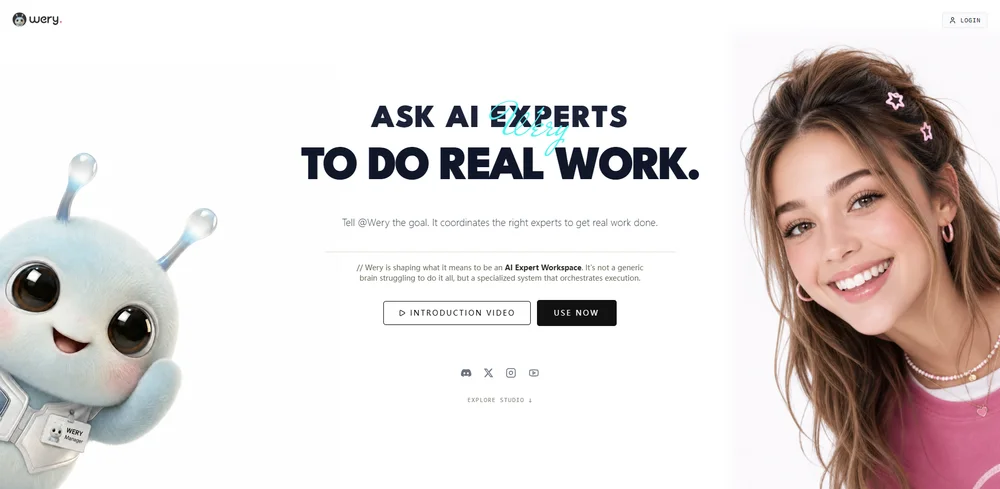
Wery is an AI-powered virtual creative studio for entertainment content. It coordinates specialized AI experts to help users create stories, visuals, music, videos, documents, and reusable project assets from a single creative brief.
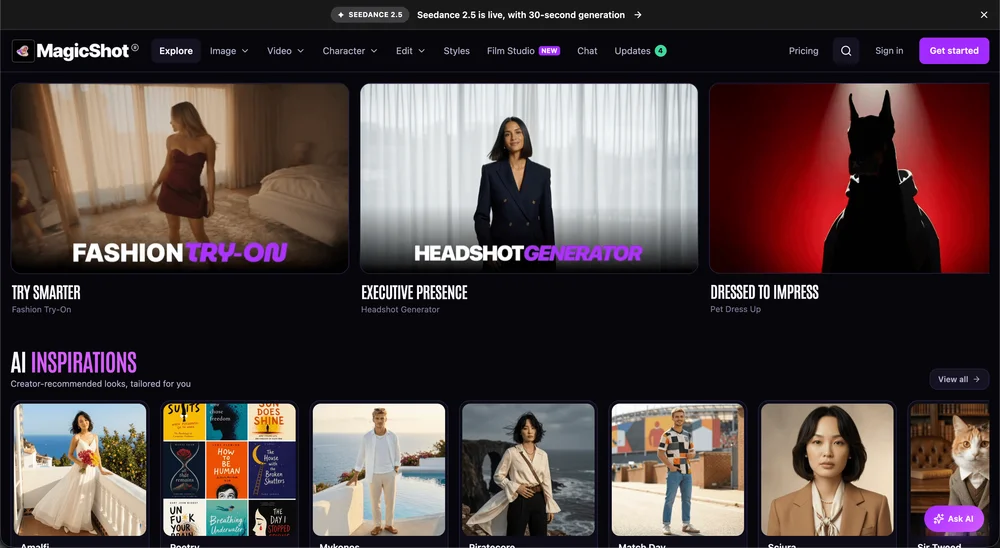
Higgsfield AI is an online AI video generator that turns product photos and creative prompts into cinematic commercial video ads and viral social clips.