

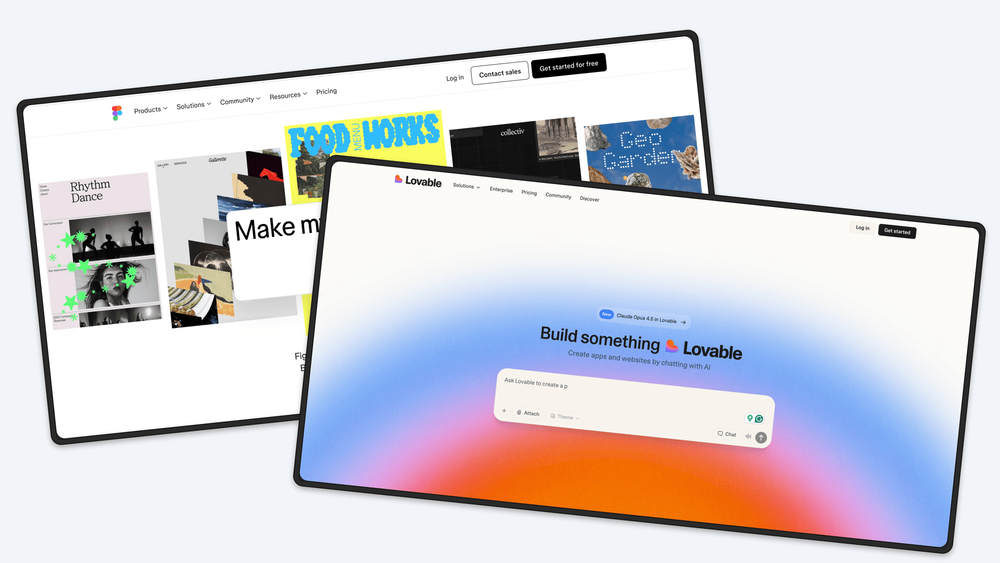
Screenhance is a specialized tool that helps creators, marketers, and developers enhance screenshots and images for professional presentations and marketing materials. It provides an intuitive canvas editor with features like device frames, beautiful themes, and motion effects to create share-ready visuals quickly.
Key Features:
- 15+ Layouts: Choose from hero, grid, stack, and cascade layouts to fit your storytelling needs
- Device Frames: Phone, tablet, and laptop mockups in multiple colors and styles
- Beautiful Themes: Gradients, glass effects, aurora backgrounds with light and dark modes
- Motion Effects: Add subtle animations like float, reveal, and parallax effects
- Export Options: Support for PNG, WebP, JPEG, GIF, and WebM formats with up to 3x resolution
- No Design Skills Required: Built for developers, founders, and marketers who want professional results without learning complex design tools
Use Cases:
- Creating marketing visuals for product launches and social media
- Enhancing screenshots for presentations and pitch decks
- Generating professional mockups for app stores and websites
- Improving visual content for documentation and tutorials
Target Users: Product designers, indie hackers, content creators, SaaS founders, marketing teams, and freelance developers who need to create polished visuals quickly without design expertise.


