

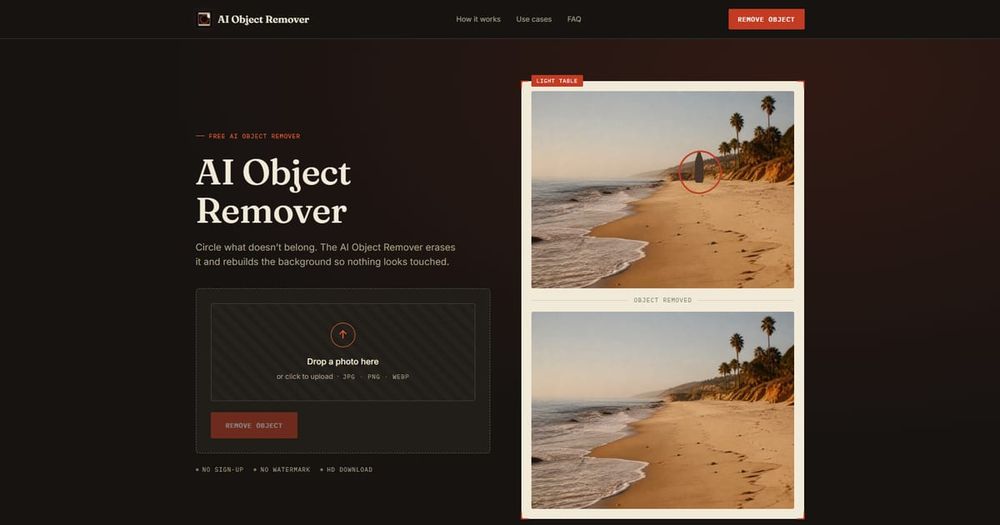
Overview
AI Object Remover is a free, browser-based tool that uses artificial intelligence to remove unwanted objects from photos. Simply upload an image, brush over the object you want to erase, and the AI reconstructs the background seamlessly—no manual editing required.
Key Features
- Background-aware removal: Reconstructs texture, light, and shadow to match the surrounding area, avoiding blurry patches.
- No sign-up, no watermark: Use it instantly without creating an account, and download clean images without any branding.
- Full-resolution export: The cleaned photo retains the original resolution and quality.
- Multiple object removal: Mark several objects in one pass for efficient cleanup.
- Mobile-friendly: Works in mobile browsers, allowing on-the-go edits.
- Privacy-focused: Photos are processed only for the session and not stored.
How It Works
- Upload: Drag and drop or select a JPG, PNG, or WEBP file (up to 20MB).
- Mark: Brush over the object(s) you want to remove—no precision needed.
- Remove: The AI analyzes the surrounding context and fills the area, delivering a clean image.
Use Cases
- Travel: Remove strangers or cars from landmark photos.
- Real estate: Clear listing photos of parked cars, bins, or clutter.
- Product photography: Eliminate fingerprints, reflections, or unwanted props.
- Social media: Tidy up backgrounds before posting.
Tips for Best Results
- Upload the highest resolution possible.
- Circle slightly wider than the object, including its shadow.
- Mark multiple similar objects in one pass.
- Avoid marking more than half the frame.
- Start with plain backgrounds (sky, walls, sand) for testing.
- Allow a few extra seconds for large files.
- Tighten the outline if results look soft.
FAQ
- Is it free? Yes, with no limits and no account required.
- Will it leave a mark? No, the AI rebuilds the area to match the scene.
- What formats are supported? JPG, PNG, and WEBP.
- Can I remove multiple objects? Yes, in a single pass.
- Does it work on phones? Yes, it runs in mobile browsers.
- Are photos stored? No, they are processed only for the session.
- Does it reduce quality? No, it preserves original resolution outside the removed area.


