

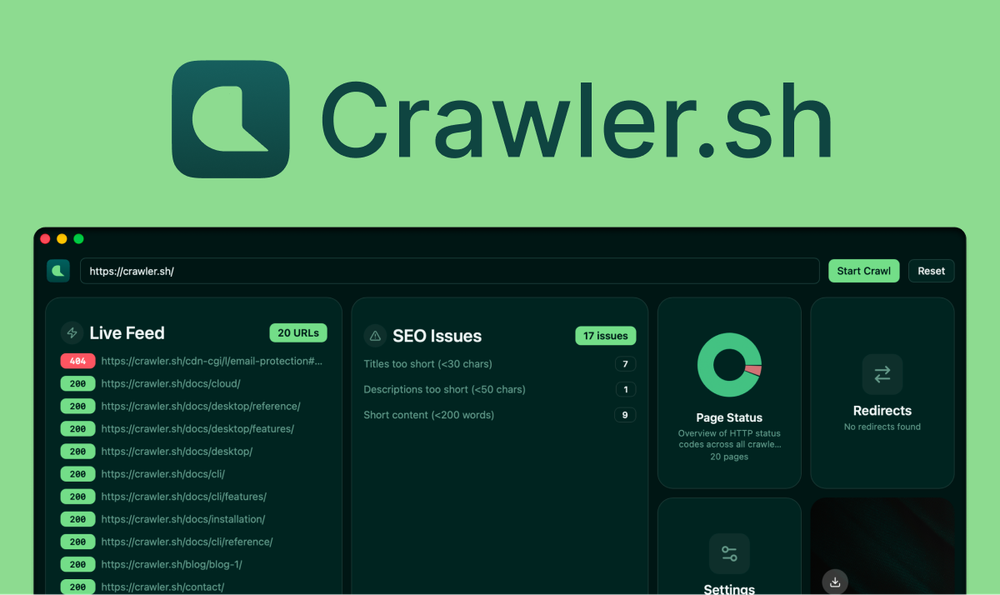
Crawler.sh is a powerful website crawling and analysis tool available as both a desktop application and command-line interface. It enables users to crawl entire websites in seconds while staying within domain boundaries, with configurable concurrency, depth limits, and polite delays between requests.
Key Features
- Site Crawling: Fast crawling of thousands of pages with configurable parameters
- Content Extraction: Automatic extraction of main article content converted to clean Markdown format with word count, author byline, and excerpts
- SEO Analysis: 16 automated checks per page including missing titles, duplicate meta descriptions, noindex directives, thin content, and long URLs
- Multiple Output Formats: Export results as NDJSON, JSON, W3C-compliant Sitemap XML, CSV, or human-readable TXT
- Visual Dashboard: Desktop app provides interactive cards, real-time crawl feeds with status badges, and detailed SEO issue panels
Use Cases
- SEO Auditing: Comprehensive technical SEO analysis across entire websites
- Content Archiving: Extract and backup website content as clean Markdown for migrations or feeding into other tools
- Sitemap Generation: Create accurate, up-to-date sitemaps from live crawls
- Site Monitoring: Regular crawling to detect broken links, missing pages, and status code changes
Target Users
SEO professionals, content managers, developers, and website administrators who need efficient website analysis, content extraction, and technical auditing capabilities.


