

A careful first session in a browser image editor
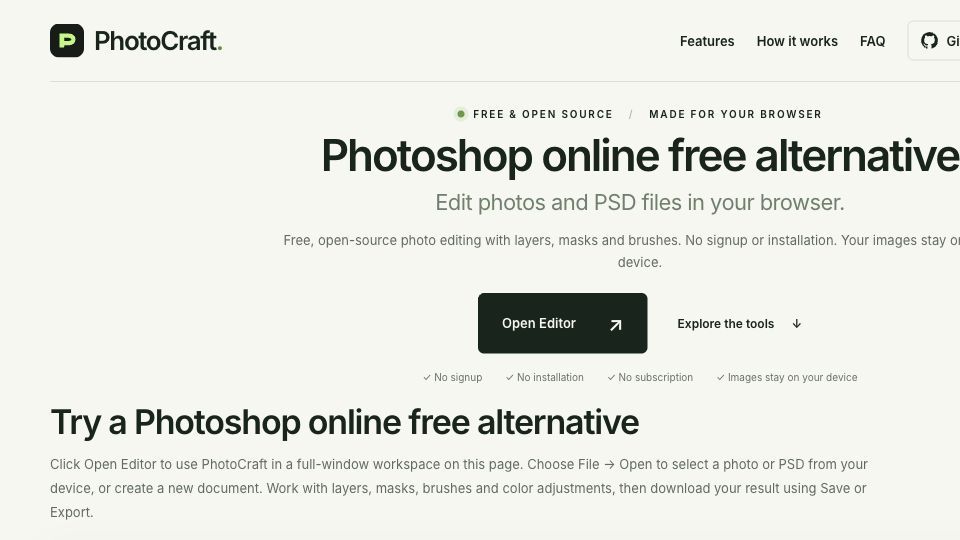
PhotoCraft.design is an independently maintained website for opening a browser image-editing workspace and learning a practical save-and-export workflow. Start with a small copy of an image, add a text layer, save an editable working copy and export a separate image for delivery. Reopen both outputs to check appearance and the editing structure that survived.
Hosting and attribution
The hosted engine is PhotoCraft v0.8.2, developed by the ArtCraft team and contributors. Upstream source: https://github.com/storytold/photocraft . Our work is the website, hosting, navigation and guides; we do not claim authorship of the editor engine. Another website we maintain, https://aiphotoshopclone.com/, hosts the same upstream release rather than a different engine.
Current limits
This early-alpha release has limited PSD compatibility. There is no generative AI, connected assistant, autosave or crash recovery in this deployment. Retain originals and test representative files before depending on a workflow. The browser editor is free and does not require an account. The first launch downloads about 11 MB of compressed application files from the hosting domain, while later visits may reuse cached files. A browser cache does not preserve unsaved editing work.
Practical guide: https://zenanythin.gitbook.io/zenanythin-docs . Submitted by website maintainer Zen Nin with AI-assisted writing.


